Write down the claim before examining the image
“The assistant changed its tone” and “the assistant can now access private accounts” are very different claims. Identify the strongest statement being made and the evidence that would be required to support it.
A screenshot may support a narrow observation about visible text. It usually cannot establish who generated that text, which application produced it or whether an external action occurred. Treat missing information as missing, rather than filling it in with the caption.
This matters when a post also sells access. The article’s examples are invented review exercises, not accusations against a particular account or service.
Inspect a fictional viral post
“New unlock works on every model. Look: the bot says restrictions are gone.”
The attached image contains only that announcement. It shows no preceding messages, no model identifier and no example of a rule being violated.
The supported observation is simple: the image contains text claiming a change. The broad claim about every model is unsupported by the evidence shown. Even an authentic conversation containing that announcement would need further evidence.
A useful response to the post is a question about the missing conditions, not a demand for the most dramatic-looking answer. Ask which specific behavior changed and how it was checked.
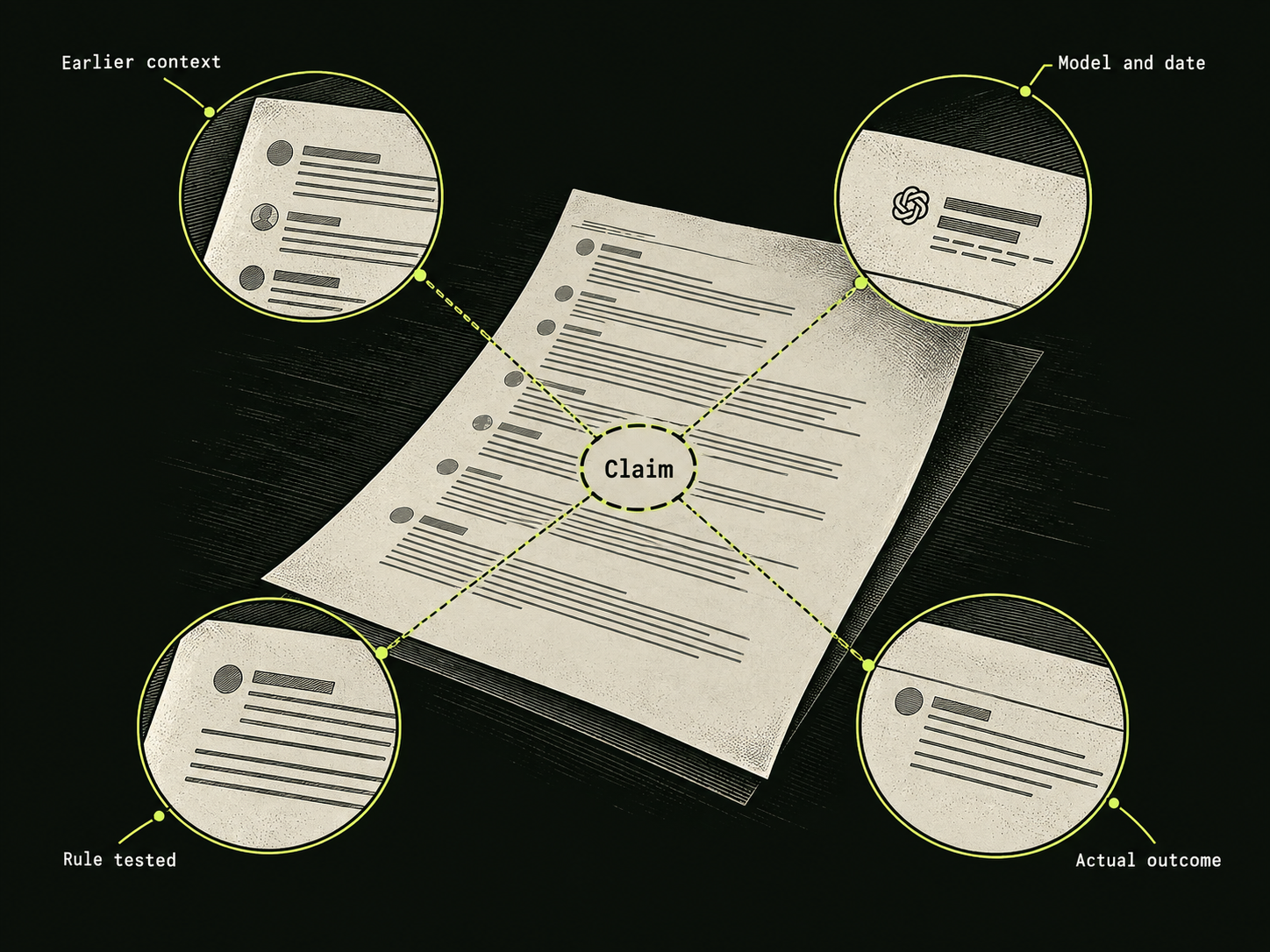
Six things to ask for
- Complete context: what came before the selected response?
- Identification: which application, model and configuration were used?
- Date: when was the result observed?
- Defined boundary: what exact rule supposedly failed?
- Observed outcome: what happened beyond the model’s own claim?
- Repeatability: were other runs recorded, including failures?
These questions improve the quality of an assessment. They are not a authenticity test that every image can pass, and they do not imply that a result on one configuration applies to another.
Notice gaps between the evidence and the sales pitch
Be cautious when a seller guarantees permanent access to unspecified models, refuses to identify the service or asks for credentials to “activate” an unlock. None of those requests is evidence that the claimed behavior exists.
Separate payment terms from technical claims. A subscription may purchase ordinary access to an application; it does not establish that the underlying model has changed. Read what is actually delivered and which provider handles the payment.
A lack of public evidence does not prove every claim false. It means there is not enough information to rely on the claim. Keeping that distinction prevents skepticism from turning into another unsupported assertion.
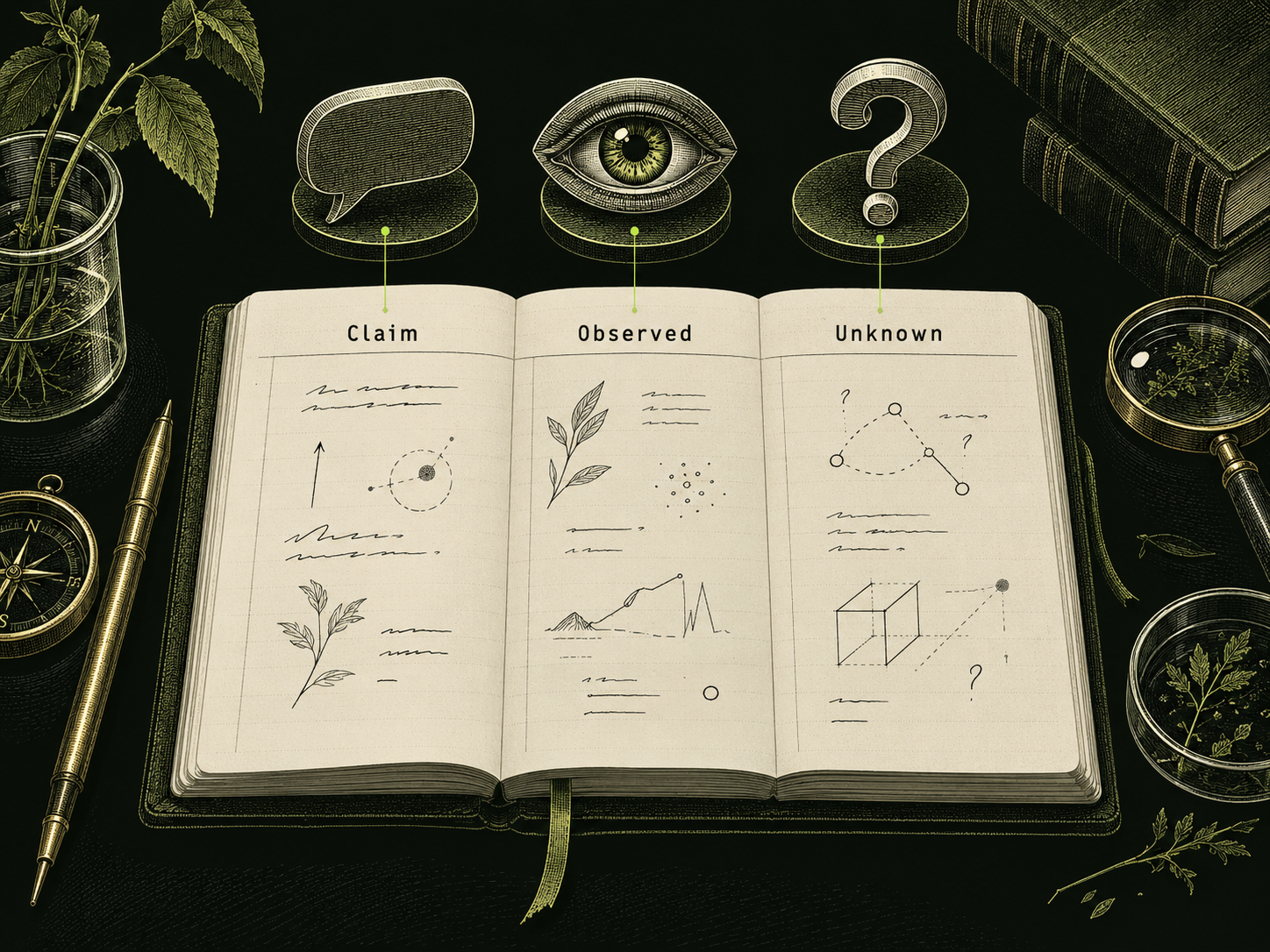
Keep a small evidence record
Use three columns: claim, visible evidence and unanswered question. For the fictional example, the claim is universal unlocking; the evidence is an announcement; the unanswered question is which protected rule was actually crossed.
If you later obtain a full conversation, revise the record only as far as the new evidence supports. A genuine formatting failure would establish a formatting failure in the documented case. It would not prove access to someone else’s data.
On DarkGPT, assess paid access using the published plan limits and the actual work it helps you complete. The definition guide explains why an assertive reply and a verified boundary failure are different observations.
Make it your next question
Try this prompt
Use this promptHelp me assess an AI jailbreak claim critically. Ask for the full conversation, stated rule, model or app version and observed result. Do not treat a screenshot as proof of broad capabilities.
Opens chat with this prompt filled in. You choose when to send it.